Kitchen Display System
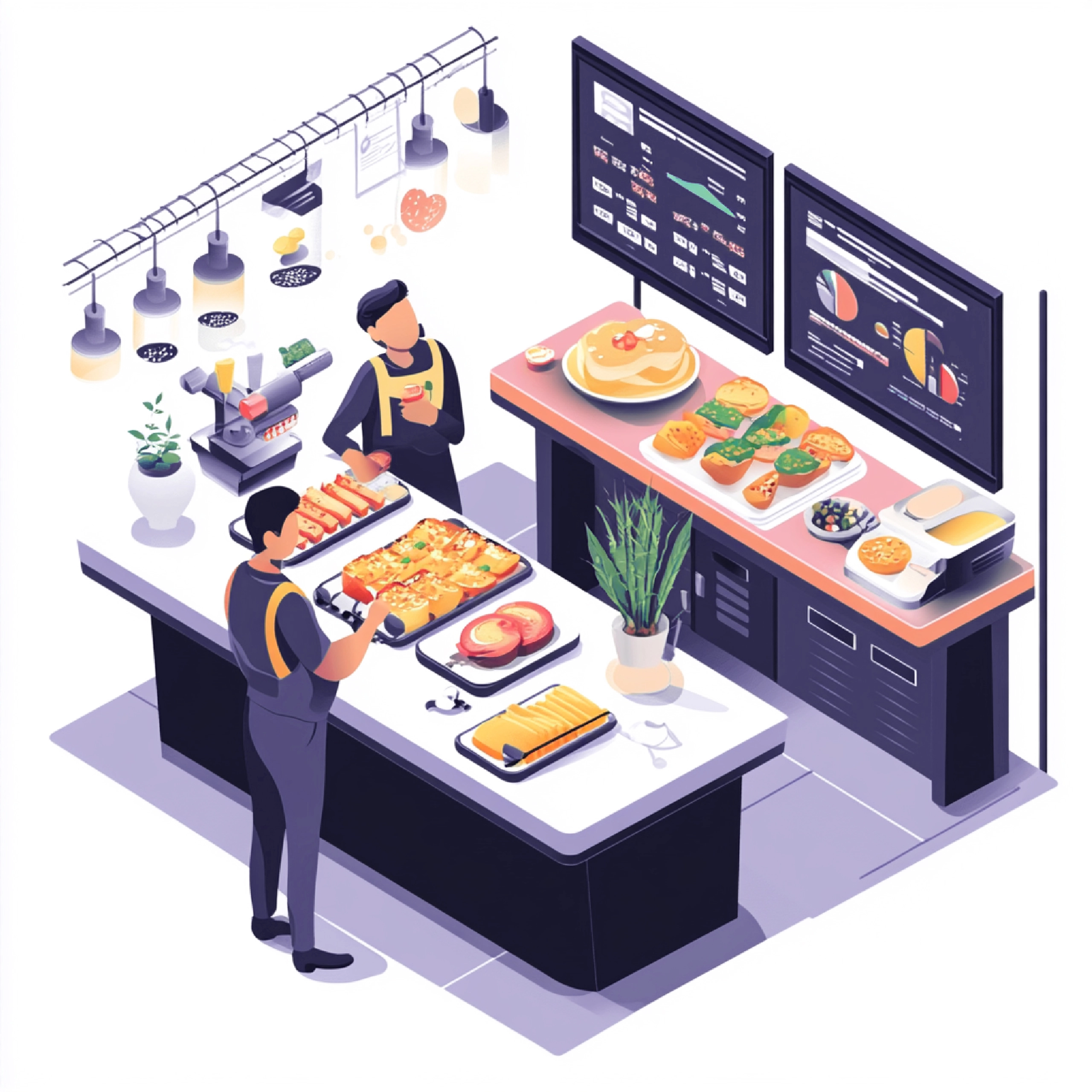
We automate your restaurant operations with our smart Kitchen Display System (KDS).
Key Features
Order Details
Once an order is placed, it is instantly displayed on the kitchen screen.
Food Course Management
Orders can be viewed by course or by individual food items for better organization.
Easy Order Completion
After preparation and delivery, the KOT (Kitchen Order Ticket) automatically updates to a “completed” status.
Delivery Details
Orders can be easily categorized as Dine-In, Takeaway, or Delivery.

Total Items View
All order items can be viewed together on a single screen for quick access.
Alert System
When a new order is assigned, the system notifies kitchen staff with an alert sound.
AnnamPOS Kitchen Display System for Smarter Operations
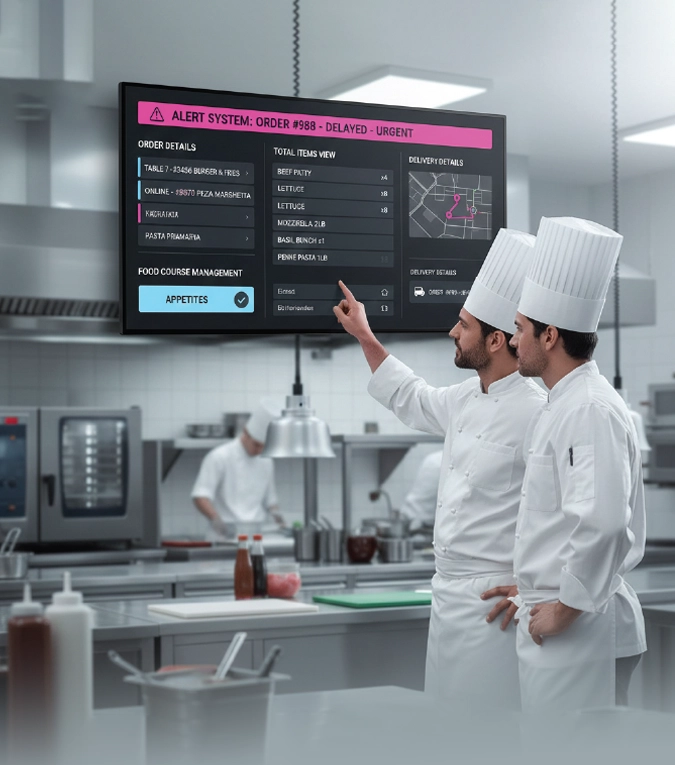
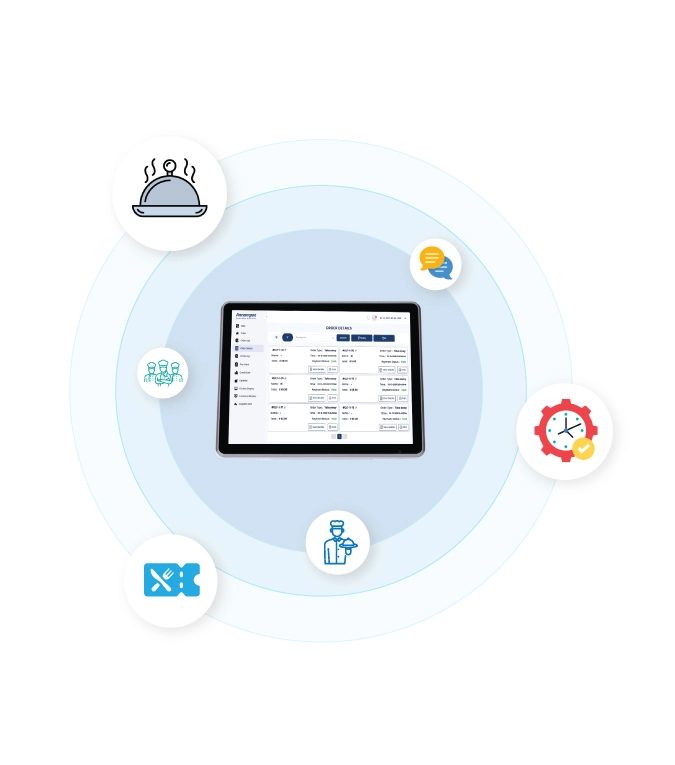
AnnamPOS Kitchen Display System helps your team view clear Order Details, manage timing with Food Course Management, and stay on track with accurate Delivery Details. Your chefs get a complete Total Items View for smoother preparation and fewer mistakes. With our built-in Alert System, your staff is instantly notified of delays or urgent tasks.
AnnamPOS gives your restaurant a faster, smarter, and more organized kitchen.
Grow with a Kitchen Display System Management
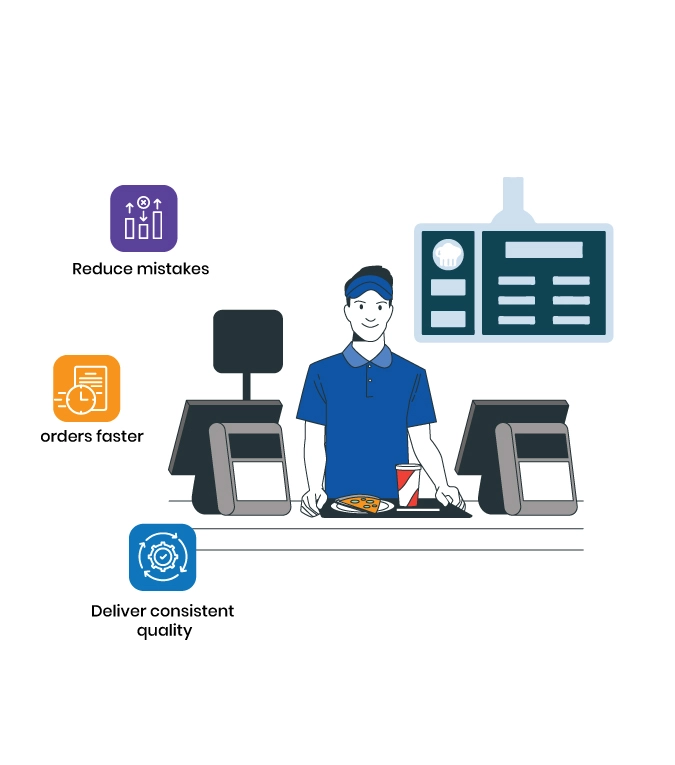
Our KDS helps your team process orders faster, reduce mistakes, and deliver consistent quality. With clear order flow and smart coordination, your kitchen runs smoothly even during peak hours. This efficiency leads to quicker service, happier customers, and increased repeat business.
How a Kitchen Display System Works in Real Time
-
When an order is placed, it appears instantly on the display with clear details, helping your chefs start preparation without delays. Our system organizes items through Food Course Management, ensuring each dish is prepared in the right order. Your team can track progress, mark items as completed, and manage delivery or dine-in requests easily.
Order is placed:
it appears instantly on the KDS with full Order Details.
Prepare:
Chefs start cooking; progress is updated on-screen.
Mark Ready:
Items complete; the Total Items View updates in real time.
Delivery:
Details show pickup priority and timing.
Importance of kitchen display system
AnnamPOS KDS, every order reaches your kitchen instantly, helping your chefs work faster and with fewer mistakes. It organizes dishes by course, updates item status in real time, and keeps your team aligned during rush hours. The system also reduces ticket clutter, improves communication, and ensures every dish is served on time.

