Point-of-Sale Software Module
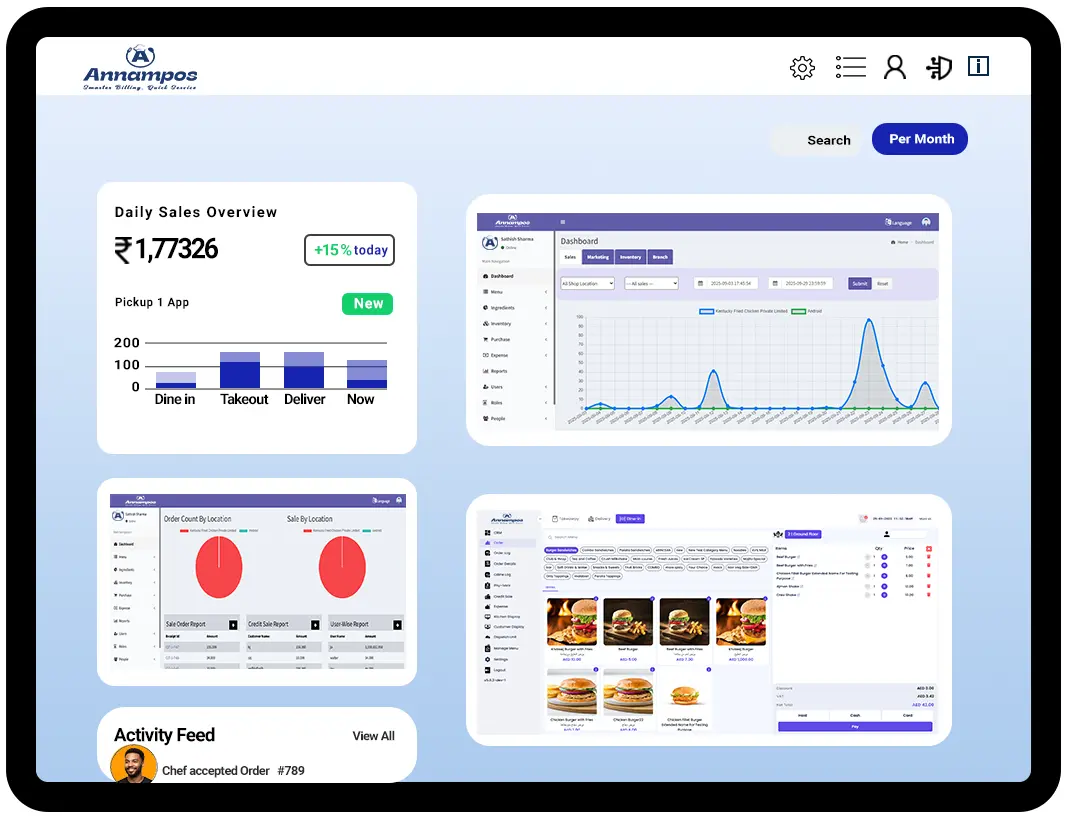
For quick order placement, inventory management, and customer relationship management — all modules handled on one screen.

Powerful Module That Make Our POS Software Stand Out
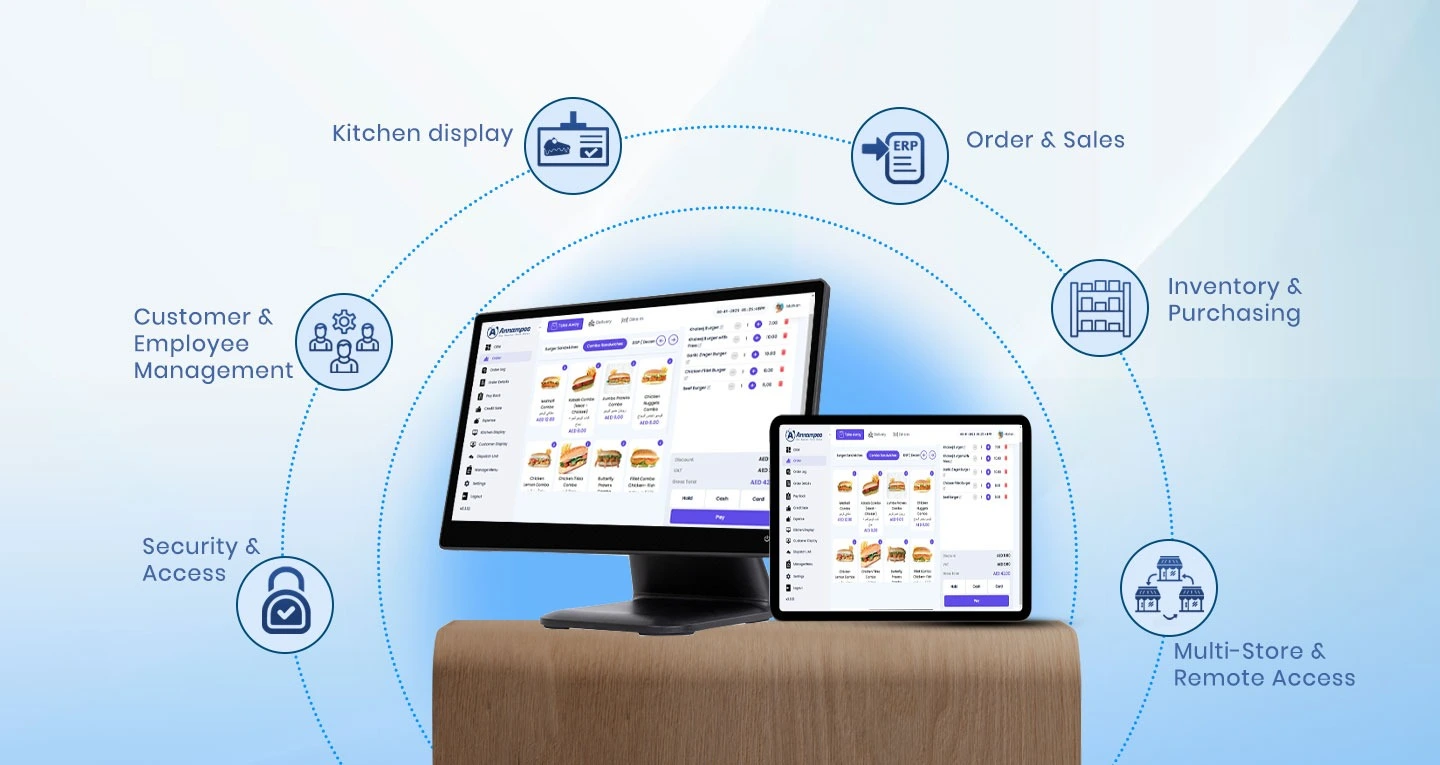
Order & Sales
Track sales, view order details, print receipts, and access real-time reports with powerful analytics.

Inventory & Purchasing
Manage stock levels, track inventory in real time, and control purchases with smart inventory tools.

Customer & Employee Management
Manage customers with CRM tools and monitor staff performance for better employee control and service.

Security & Access
Ensure data safety with secure logins, user roles, and controlled access for better system protection.
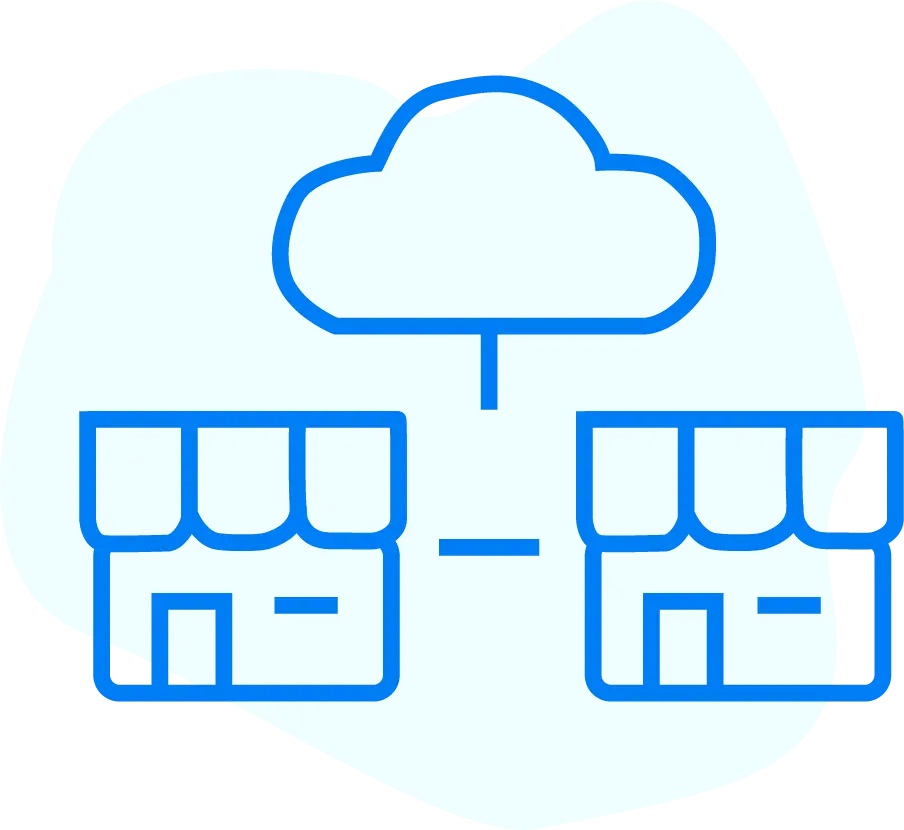
Multi-Store & Remote Access
Access your store from anywhere: Take care of all your stores, anytime away from the shop.
Integration & Customization
Seamlessly connect with accounting, on the go with O-Dine, customize features and unlimited scale.
Kitchen display
Control courses, time the cooks, get the dishes out and streamline your kitchen resources.

System & Usability
Easy-to-use interface with automatic data backup and secure cloud sync for smooth, reliable operations.
A Comprehensive Process to Streamline Operations
This POS module is packed with a clean interface to navigate easily on any kind of function you need for your restaurant. It helps in monitoring all the details in real-time with an easy intuitive dashboard.
It also makes it easy to run customer loyalty programs. The system tracks transactions very accurately (up to 99%), helping you offer rewards and deals smoothly, without disturbing the customer experience.

Grow your business with detailed analysis
Accelerate your business growth through detailed analysis
-
POS admin software is a most powerful tool that makes the very time-consuming job of managing your product catalog really simple. The tool centralizes inventory keeping so that you can have a video on business intelligence of product trends happening right now.
-
Moreover, for a deeper analysis, it is important to examine data related to Sales, Customers, Staff, Payments, Items, and other relevant categories.
Smart solutions, real-time results
-
Our Order Management System helps restaurants streamline order processing across dine-in, takeaway, and online. It improves efficiency, reduces errors, and provides real-time insights to enhance overall performance and customer satisfaction.
-
Our Order Management System assists you to automate the order processing whether take-away or online. It increases productivity, reduces the rate of errors, and displays real-time insights to help optimize efficiency and loyalty.

Order Taking:
Supports dine-in, takeaway, and online orders through a centralized system.

Table Management:
Allows staff to track table status, reservations, and customer preferences.

Inventory Tracking:
Monitors stock levels and notifies when ingredients are low.
Kitchen Display System (KDS):
Sends orders directly to kitchen screens, reducing errors and speeding
Everything in One Place
Intuitive Dashboard
Luctus egestas augue undo ultrice aliquam in lacus congue dapibus
Effortless Integration
Tempor laoreet augue undo ultrice aliquam in lacusq luctus feugiat
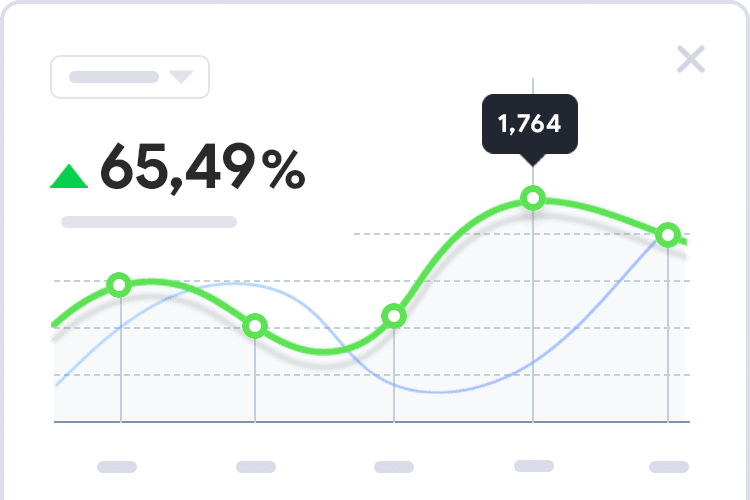
Real-time Analytics
Egestas luctus augue undo ultrice aliquam in lacus feugiat cursus
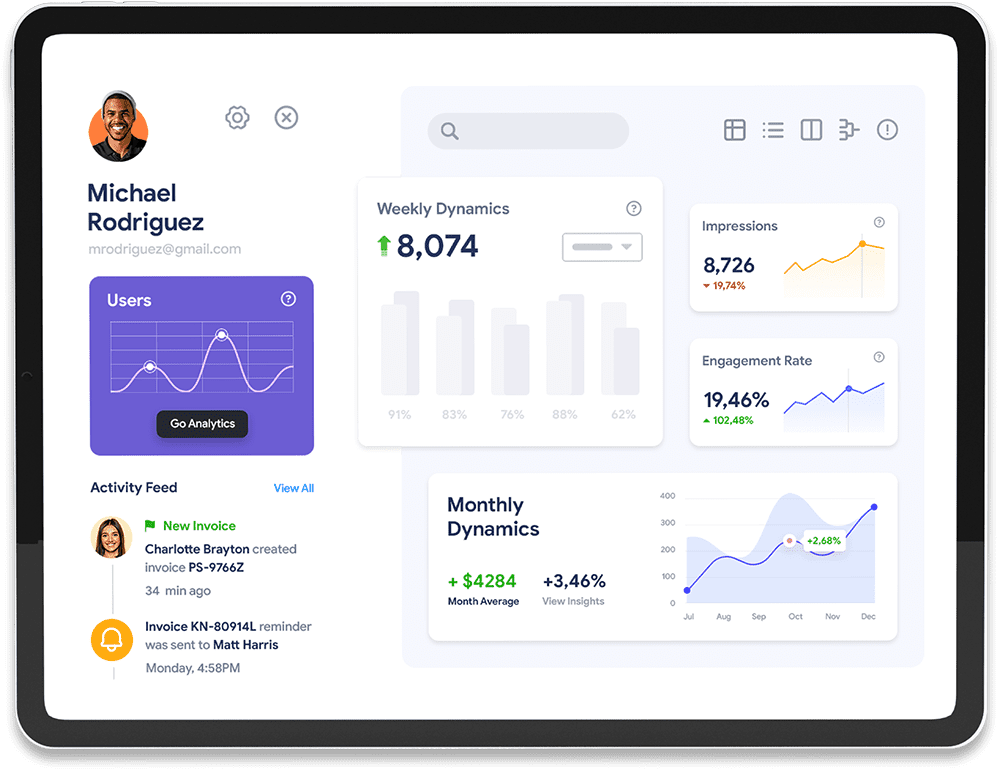
89k
Porta justo integer and velna vitae auctor
76%
Ligula magna suscipit vitae and rutrum
4.93
Sagittis congue augue egestas an egestas

Get Your Own Online Ordering App for Your Customers
-
O-Dine is designed to satisfy your long-distance customers, offering a seamless experience built for customer happiness all at an affordable price.
-
Customers can view only the available dishes, and after placing an order, they can track it live through a smooth, real-time tracking system that enhances transparency and improves the overall experience.
Order Management
Track Online and Offline Orders in Real Time
Settle Sales
Easily manage day-wise and shift-based sales settlements with accuracy
Email Reports
Receive automated email reports instantly after the shop closes.
Importance Of The POS Module
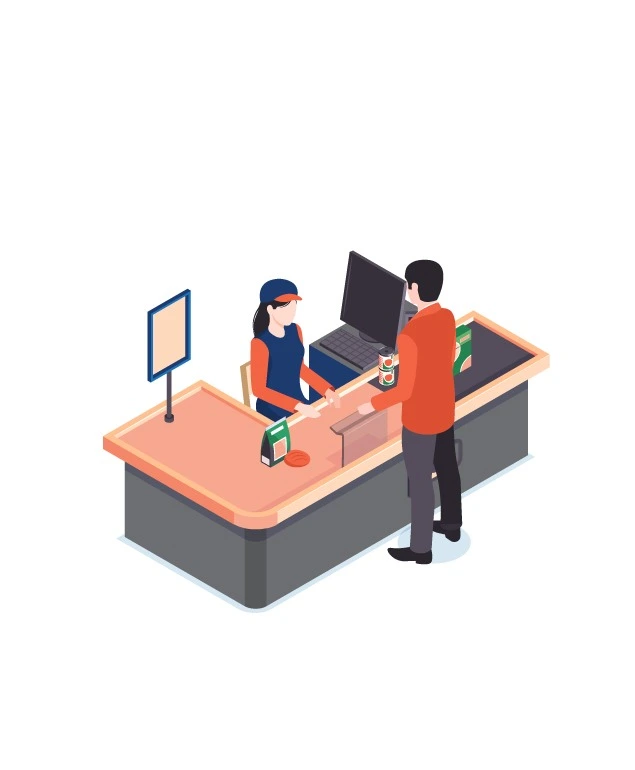
POS SystemSelection of the right POS system is critical to having a smooth and powerful operation. Not only does our POS module make your day-to-day life easier, but it also gives you the tools and knowledge to grow your business. Built on speed, accuracy, and intelligence, it is more than just a sales tool —it is the basis for delivering superior customer service and intelligent asset management.


Track the progress towards objectives with key results
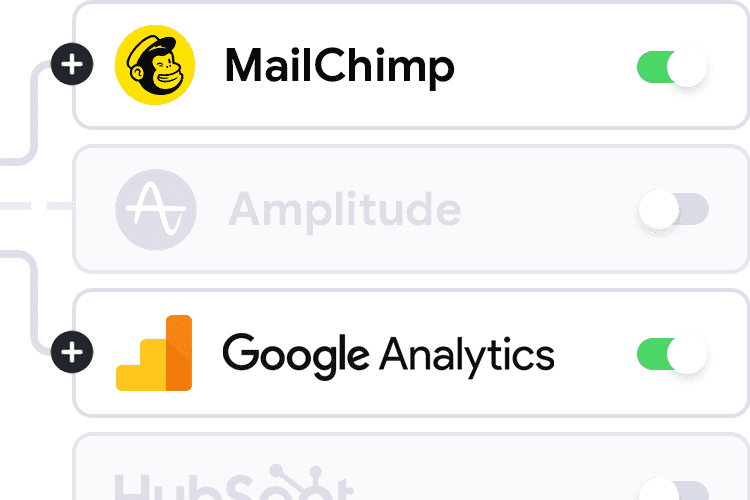
Marketing Integrations
Aliquam a augue suscipit luctus diam neque purus ipsum neque and dolor primis libero
Productivity Focused
Aliquam a augue suscipit luctus diam neque purus ipsum neque and dolor primis libero
Questions & Answers
1. How do I create an order for takeaway, delivery, or dine-in?
In the Order module, you will find the options for Takeaway, Dine-in, and Delivery at the top of the page. Simply select the required order type. For Dine-in, you can also choose the table number and before proceeding to create the order.
2. Is there an option to see orders from a specific date or week
In the Order Details module, you can use the filter options next to the Receipt No search bar. By selecting ‘Today,’ ‘This Week,’ ‘This Month,’ ‘This Year,’ or a custom date range, you can view order reports for your required period.
3. Is there a secure login system with password or PIN protection?
Yes, the system provides a secure login process with username and password authentication. You can also enable additional security settings, such as role-based controls, to protect sensitive data and prevent unauthorized usage
4. Is it possible to add or remove modules as my business grows?
The system is highly flexible. You can add or remove modules as your business grows, and we also offer customization options to tailor the solution to your specific requirements.
5. Can I check the quantity details of a particular order?
In the Order Details module, you can open any specific order to view the complete details, including the quantity of each item ordered.
6. Can I manage multiple restaurant outlets from a single POS dashboard
with admin panel access, you can manage multiple restaurant outlets from a single POS dashboard. You can easily select the desired outlet and access its specific details and operations.
7. Does the system automatically back up data to prevent loss?
Yes, the system automatically backs up all data to ensure security and prevent any loss. This helps maintain smooth and reliable operations at all times
8. How does your POS handle order and sales management?
Our POS system lets you track every sale in real time, view detailed order history, generate instant receipts, and access advanced analytics reports to monitor business performance and revenue trends.
9. How can I manage inventory and purchasing with your POS?
You can monitor stock levels in real time, automate low-stock alerts, manage suppliers, and streamline purchasing decisions using smart inventory control tools that reduce wastage and stockouts.
10. Does your POS support customer and employee management?
Yes, our system includes built-in CRM tools to manage customer data, track purchase behavior, and improve retention. You can also monitor employee performance, attendance, and sales activity for better operational control.
11. How secure is your POS software?
Our POS ensures high-level data security with secure login systems, role-based access control, and user permissions - keeping your business data protected at all times.
12. Can I manage multiple stores remotely with your POS?
Absolutely. You can access and manage multiple outlets from anywhere, monitor sales, inventory, and reports remotely, and maintain full control even when you're off-site.
13. Does your POS support integrations and customization?
Yes, our POS seamlessly integrates with accounting systems and third-party tools. It also offers flexible customization options to match your business workflows and scale as you grow.
14. How does your POS improve kitchen operations?
Our Kitchen Display System (KDS) helps you manage orders efficiently, track preparation time, organize workflows, and ensure faster service with better coordination between staff.